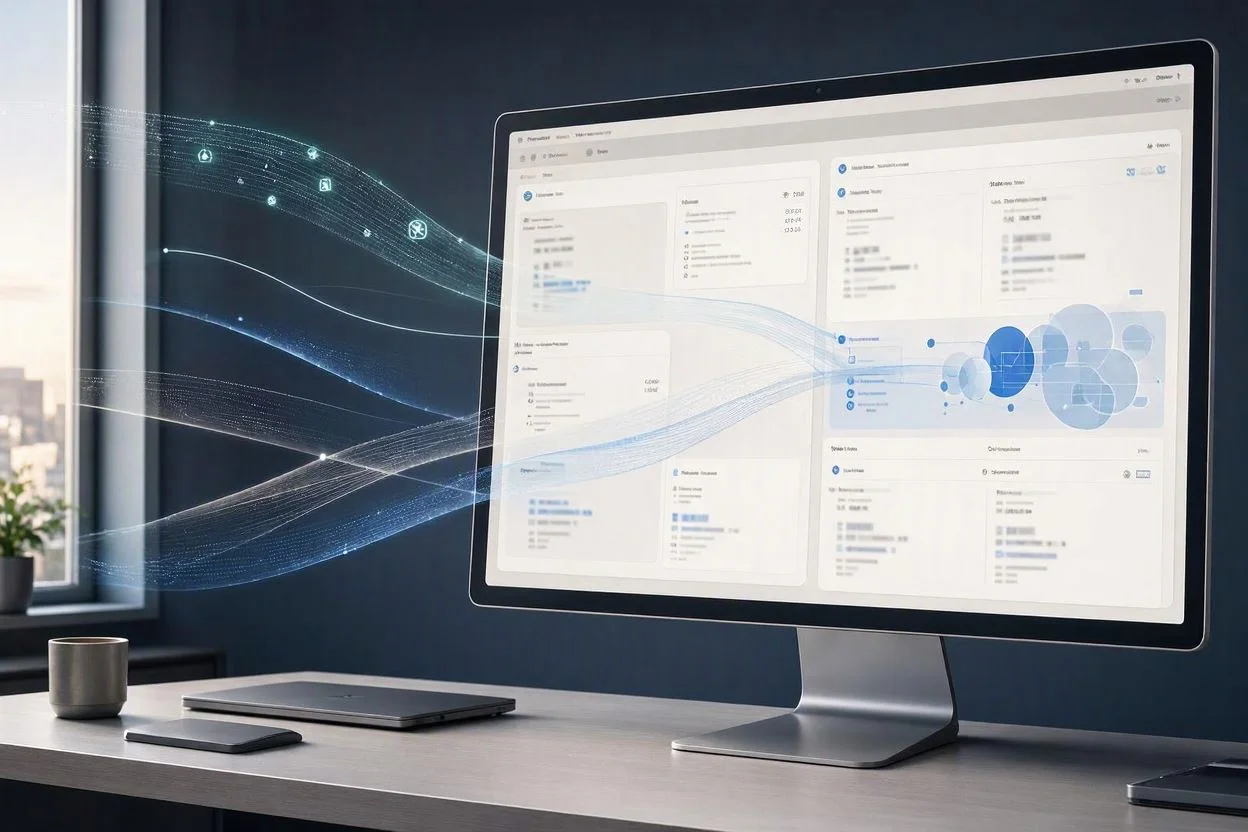
How to Track AI Traffic in Google Analytics 4 in 2026
AI is becoming a new source of website traffic, but measuring it correctly is not always straightforward.
In 2026, Google Analytics 4 (GA4) has made AI traffic measurement easier by introducing a dedicated AI Assistant channel for recognized AI assistants such as ChatGPT, Gemini, Claude, and other platforms. At the same time, traffic generated from Google AI Overviews and Google AI Mode is still grouped under Organic Search, which means you need to understand how GA4 classifies each type of AI-driven visit.
This guide explains how to track AI traffic in Google Analytics 4, how to identify traffic from ChatGPT and Perplexity, how to create a custom AI traffic channel, and what GA4 can and cannot tell you about AI search traffic.
Updated for 2026: Google introduced dedicated AI Assistant traffic measurement in GA4 on May 13, 2026.
Table of Contents
What You’ll Learn
In this guide, you will learn:
- How GA4 identifies AI Assistant traffic
- Where to find AI traffic in GA4
- How ChatGPT, Gemini, Claude, and other AI referrals appear
- How to track Perplexity traffic
- How to create a custom AI traffic channel
- How Google AI Overviews and AI Mode are classified
- How to compare AI traffic with Google Search traffic
- Why some AI visits may not appear as AI traffic
- How to measure conversions and engagement from AI visitors
- What GA4 cannot currently measure directly
How GA4 Tracks AI Traffic in 2026
Google Analytics changed its traffic classification system in May 2026.
According to Google’s official Analytics documentation, GA4 now has an AI Assistant channel that identifies traffic coming from recognized AI assistants.
When a recognized AI assistant sends a visitor to your website, GA4 can automatically assign:
- Medium:
ai-assistant - Channel: AI Assistant
- Campaign:
(ai-assistant)
This makes AI referral traffic much easier to analyze than older methods that required manually filtering referral sources.
Google currently identifies AI Assistant traffic from sources including platforms such as ChatGPT, Gemini, Claude, DeepSeek, Copilot, and Grok.
You can find the official information in Google’s documentation:
https://support.google.com/analytics/answer/9164320
However, there is an important distinction.
Not every AI-generated search experience is classified as AI Assistant traffic.
Google specifically states that its AI Overviews and AI Mode are included in Organic Search, rather than the AI Assistant channel.
That distinction is important when analyzing your site’s traffic.
Where to Find AI Traffic in Google Analytics 4
The simplest place to start is the GA4 acquisition reports.
Open your Google Analytics property and go to:
Reports → Acquisition → Traffic acquisition
Look for the Session default channel group dimension.
If your property has received recognized AI Assistant traffic, you should be able to identify an:
AI Assistant
channel.
You can then compare it with channels such as:
- Organic Search
- Direct
- Referral
- Organic Social
- Paid Search
- AI Assistant
The exact amount of traffic available will depend on how much traffic your website receives and whether the source is recognized by Google’s classification rules.
Google’s current documentation confirms that the AI Assistant channel is available as part of the default channel group.
https://support.google.com/analytics/answer/9756891
What the AI Assistant Channel Means
The AI Assistant channel is specifically designed to group visits that arrive from recognized AI assistants.
For example, a visitor might:
- Ask ChatGPT a question.
- ChatGPT provides a response containing a link to your website.
- The visitor clicks that link.
- The visitor arrives on your website.
- GA4 recognizes the referring AI assistant.
- The visit can be classified under AI Assistant.
This is different from simply receiving traffic from a search engine.
How to Track ChatGPT and Perplexity Traffic in GA4
One of the most useful applications of the new classification is monitoring traffic generated by AI assistants.
You can analyze AI traffic using dimensions such as:
- Session default channel group
- Session source
- Session medium
- Landing page
- Sessions
- Engaged sessions
- Engagement rate
- Conversions
- Revenue
For example, you may want to know whether visitors arriving from AI platforms actually engage with your content.
A high number of AI referrals does not automatically mean that the traffic is valuable.
You should also examine what visitors do after arriving.
Useful AI Traffic Questions
Instead of looking only at sessions, ask:
- Which pages receive AI traffic?
- Which AI platforms send visitors?
- How long do visitors stay?
- Which pages generate conversions?
- Do AI visitors view multiple pages?
- Which content attracts AI referrals?
- Does AI traffic generate more or fewer conversions than organic search?
This provides a much more useful picture of AI visibility.
How to Create a Custom AI Traffic Channel in GA4
GA4 already provides an AI Assistant channel, but you may want a more specific reporting structure.
For example, you could create a custom channel that groups AI sources according to your own criteria.
Google provides an official example for creating a custom AI Assistant channel using a regular expression.
You can find the official instructions here:
https://support.google.com/analytics/answer/13051316
The basic process is:
- Open your Google Analytics property.
- Go to your administrative settings.
- Find the channel group configuration.
- Create or edit a custom channel group.
- Add a new channel.
- Give it a name such as AI Traffic.
- Add a rule based on traffic-source information.
- Use a regular expression to match the AI sources you want to include.
- Save the configuration.
- Place the AI channel above Referral in the channel order when appropriate.
Google’s documentation gives examples for sources including:
- ChatGPT
- Gemini
- Microsoft Copilot
- Claude
- Perplexity
The exact configuration can change as AI platforms and referral URLs evolve, so avoid treating any manually created regex as permanent.
AI Assistant Traffic vs Referral Traffic
Before the May 2026 update, many website owners tracked AI traffic by looking for referral sources.
That approach can still be useful, but GA4’s dedicated AI Assistant channel provides a more structured way to analyze recognized AI traffic.
For example, older reports might show an AI platform simply as a referral source.
The newer classification can place recognized AI traffic into:
AI Assistant
This makes it easier to compare AI traffic with other acquisition channels.
However, you should not assume that every AI-related visit will automatically appear there.
Traffic classification depends on the information available to Analytics and Google’s recognition rules.
Can GA4 Track Google AI Overviews and AI Mode?
This is one of the most important limitations to understand.
Google AI Overviews and Google AI Mode are not classified as AI Assistant traffic.
Google’s current documentation states that traffic from Google’s AI Overviews and AI Mode is included in the Organic Search channel.
That means you should not expect a separate:
Google AI Mode
traffic channel in your standard GA4 acquisition report.
Instead, these visits can be part of your organic search traffic.
This creates an important measurement difference:
| Traffic source | GA4 classification |
|---|---|
| ChatGPT | AI Assistant when recognized |
| Gemini | AI Assistant when recognized |
| Claude | AI Assistant when recognized |
| Perplexity | AI Assistant when recognized |
| Microsoft Copilot | AI Assistant when recognized |
| Google AI Overviews | Organic Search |
| Google AI Mode | Organic Search |
This distinction is documented by Google and is important when interpreting AI traffic reports.
How to Measure the Value of AI Traffic
Traffic volume is only one part of the equation.
Suppose your website receives 100 visitors from an AI assistant.
That number alone does not tell you whether the traffic is useful.
Instead, compare AI visitors against other acquisition channels.
Useful metrics include:

Sessions
How many sessions came from AI traffic?
Engaged sessions
Did visitors actually interact with your website?
Engagement rate
How often did AI visitors engage with the site?
Average engagement time
How much time did visitors spend actively engaging with your pages?
Conversions
Did AI visitors complete important actions?
For example:
- Newsletter subscriptions
- Contact forms
- Product purchases
- Affiliate clicks
- Account registrations
- Downloads
Revenue
For websites with ecommerce or monetization tracking, compare revenue generated by AI traffic with other channels.
This can help determine whether AI traffic is simply generating visits or contributing to actual business results.
How to Compare AI Traffic With Google Search Traffic
One of the most useful reports you can build is a comparison between AI traffic and traditional organic search.
For example:
| Metric | AI Assistant | Organic Search |
|---|---|---|
| Sessions | — | — |
| Engaged sessions | — | — |
| Engagement rate | — | — |
| Conversions | — | — |
| Revenue | — | — |
Do not assume that one channel will always outperform another.
Different websites attract different types of visitors.
An informational technology website may receive AI visitors looking for explanations, comparisons, tutorials, or specific solutions.
Those visitors may behave differently from users arriving through traditional Google searches.
For broader context about how AI tools and search experiences are changing online research, you can also read TecDigi’s Complete Guide to AI Tools in 2026.
Why Your AI Traffic May Not Appear in GA4
If you expect AI traffic but cannot find it in GA4, there are several possible explanations.
1. The source is not recognized
GA4’s AI Assistant classification depends on recognized traffic sources.
A new or less common AI platform may not automatically appear under AI Assistant.
2. The visit was classified differently
Some traffic may appear under Referral, Direct, Organic Search, or another channel depending on the available source information.
3. Google AI Overviews or AI Mode generated the visit
These visits are currently included in Organic Search rather than AI Assistant.
4. Referral information was not available
Some visits may lose their original referral information before reaching Analytics.
In those cases, GA4 may not be able to identify the original source reliably.
5. Your reports use different dimensions
GA4 contains several acquisition dimensions.
For example:
- First user default channel group
- Session default channel group
- Session source
- Session medium
These dimensions answer different questions.
For measuring visits generated during a session, Session default channel group is often the more relevant starting point.
AI Traffic Tracking: What GA4 Can and Cannot Tell You
Understanding the limitations is just as important as understanding the features.
GA4 Can Help You Identify
- Recognized AI Assistant traffic
- AI-related acquisition channels
- AI referral sources
- Landing pages receiving AI traffic
- Engagement from AI visitors
- Conversions associated with AI traffic
- Revenue associated with AI traffic when properly configured
GA4 Does Not Give You a Complete Picture Of
- Every time your website is mentioned by an AI model
- Every AI-generated answer containing your content
- Every citation your website receives
- Every impression inside an AI chatbot
- Every appearance in Google AI Overviews
- Every appearance in Google AI Mode
- AI visibility that does not result in a website visit
This is a critical distinction.
AI visibility and AI traffic are not the same thing.
A website can be mentioned or cited by an AI system without receiving a measurable website visit.
Likewise, a website can receive AI traffic without knowing exactly which AI answer caused the user to click.
A Practical AI Traffic Tracking Workflow
If you want to monitor AI traffic consistently, use a simple process.
Step 1: Check the AI Assistant Channel
Go to:
Reports → Acquisition → Traffic acquisition
Look for AI Assistant.
Step 2: Check Session Source
Add or select a source dimension to identify the platforms generating traffic.
Look for sources associated with:
- ChatGPT
- Gemini
- Claude
- Perplexity
- Copilot
- Other recognized AI platforms
Step 3: Check Landing Pages
Find out which pages receive AI traffic.
This can reveal which articles are being discovered through AI assistants.
Step 4: Measure Engagement
Look at:
- Engaged sessions
- Engagement rate
- Average engagement time
Step 5: Measure Conversions
If you have important conversions configured, determine whether AI visitors complete them.
Step 6: Compare With Organic Search
Compare AI Assistant traffic against Organic Search using the same time period.
Step 7: Monitor Changes Over Time
Do not judge AI traffic from a single day.
Track it over several weeks or months to identify meaningful trends.
How AI Traffic Can Help Your Content Strategy
AI traffic data can provide another signal about which content is useful to users.
For example, suppose several articles receive AI Assistant traffic while other pages receive none.
That does not automatically prove that those articles are better.
But it can give you another data point to investigate.
You can compare:
- Search impressions
- Search clicks
- Organic rankings
- AI Assistant visits
- Engagement
- Conversions
- Internal link performance
For example, if a comparison article receives traffic from both Google and AI assistants, you may want to improve related supporting content and internal links.
TecDigi already has a related comparison covering Perplexity AI vs Google, which can be useful when building a broader AI search content cluster.
Common Mistakes When Tracking AI Traffic
Mistake 1: Counting every referral as AI traffic
Not every referral is generated by an AI platform.
Always check the actual source information.
Mistake 2: Expecting Google AI Mode to appear as AI Assistant
Google currently classifies Google AI Overviews and AI Mode under Organic Search.
Mistake 3: Looking only at sessions
A large number of sessions does not necessarily mean that the traffic is valuable.
Check engagement and conversions as well.
Mistake 4: Assuming missing AI traffic means zero AI visibility
GA4 measures website visits and related events.
It does not measure every AI mention or citation.
Mistake 5: Using outdated GA4 tutorials
Many older tutorials were written before Google introduced the dedicated AI Assistant channel.
When following an older guide, check whether its instructions still match the current GA4 interface and classification system.
Frequently Asked Questions
Does Google Analytics 4 track ChatGPT traffic?
Yes. GA4 now provides an AI Assistant channel for recognized AI assistants. Google says the channel includes traffic from sources such as ChatGPT, Gemini, DeepSeek, Copilot, and Grok.
Does GA4 track Perplexity traffic?
Recognized Perplexity traffic can be classified as AI Assistant traffic. You can also use source and medium dimensions to investigate individual traffic sources.
Does Google Analytics track Google AI Mode traffic separately?
No. Google currently includes traffic from Google AI Mode in the Organic Search channel rather than the AI Assistant channel.
Does GA4 track Google AI Overviews?
Traffic from Google AI Overviews is currently included in Organic Search. GA4 does not provide a separate standard AI Overview traffic channel.
Can I create my own AI traffic channel?
Yes. GA4 allows custom channel groups, and Google provides an example for creating a custom AI Assistant channel using rules and regular expressions.
Why does my AI traffic show as Referral?
Traffic classification depends on the source information available to Analytics and Google’s channel rules. Some AI sources may not be recognized or may be classified differently.
Is AI traffic more valuable than Google traffic?
There is no universal answer.
The value depends on the website, audience, content, conversion goals, and behavior of the visitors.
The useful approach is to compare AI traffic and organic search using the same metrics rather than assuming one channel is automatically better.
Final Takeaway
Google Analytics 4 has become much more useful for measuring AI-driven website traffic in 2026.
The most important change is the introduction of the AI Assistant channel, which allows GA4 to identify traffic from recognized AI assistants such as ChatGPT, Gemini, Claude, and other platforms.
However, there is an important limitation: Google AI Overviews and Google AI Mode are currently classified as Organic Search rather than AI Assistant traffic.
Therefore, the best approach is not to look for a single “AI traffic” number.
Instead, combine:
- AI Assistant traffic
- Referral sources
- Organic Search
- Landing pages
- Engagement
- Conversions
- Revenue
- Search performance
Together, these metrics provide a more complete picture of how AI is contributing to your website’s traffic and business results.
As AI search continues to evolve, GA4’s classification system will also change. For that reason, regularly checking Google’s Analytics documentation is important when building long-term AI traffic reports.
Official Google Analytics documentation: